
On-page SEO is the work you do on each page of your website so search engines and readers can understand it: a clear title, a useful opening, logical headings, descriptive URLs, optimised images, helpful internal links and fast, mobile-friendly code. This on-page SEO checklist gives you 25 proven fixes to apply to every page, in the order that usually brings the biggest improvement first.
Whether you run a service website in Pakistan, a local shop or an online store, on-page SEO is the part of SEO that you fully control. You cannot control who links to you or how competitors behave, but you can make every page clear, helpful and easy to crawl. If you want the wider picture, read our technical SEO checklist for site-wide checks, then come back to this on-page SEO checklist for page-level work.
Key takeaways
- page optimisation means improving the content, HTML and internal links of each page so that it matches what people search for.
- Google says its systems prioritise helpful, reliable, people-first content, so these checks should serve the reader before the search engine.
- Titles, headings, URLs, image alt text and internal links are the easiest this work elements to fix and review.
- Use this page optimisation checklist as a repeatable routine for every new page and every page you update.
What is on-page SEO?
on-page work covers everything you can change on the page itself. That includes the visible content, the title and meta description, headings, URL, images, links and the structured data in the page code. It is different from off-page SEO, which relies on signals such as links and mentions from other sites, and from technical SEO, which looks at crawling, indexing, speed and site architecture.
Good page-level SEO answers three questions. What is this page about? Who is it for? Why should it be trusted? When all three are clear to both people and search engines, the page has a fair chance to rank for the searches it deserves to rank for.
Why an on-page SEO checklist helps
Most pages lose rankings because of small, repeated mistakes: a vague title, a missing heading, a heavy image or no internal links. A checklist turns this work from a vague idea into a repeatable process. Instead of asking whether a page is optimised, you ask whether it passes each check. This makes on-page work easier to delegate, easier to audit and easier to improve over time.
Google’s own SEO starter guide makes the same point: most improvements are small changes that add up. A steady on-page work routine beats one big rewrite followed by months of neglect.
Step 1: Match search intent before you optimise
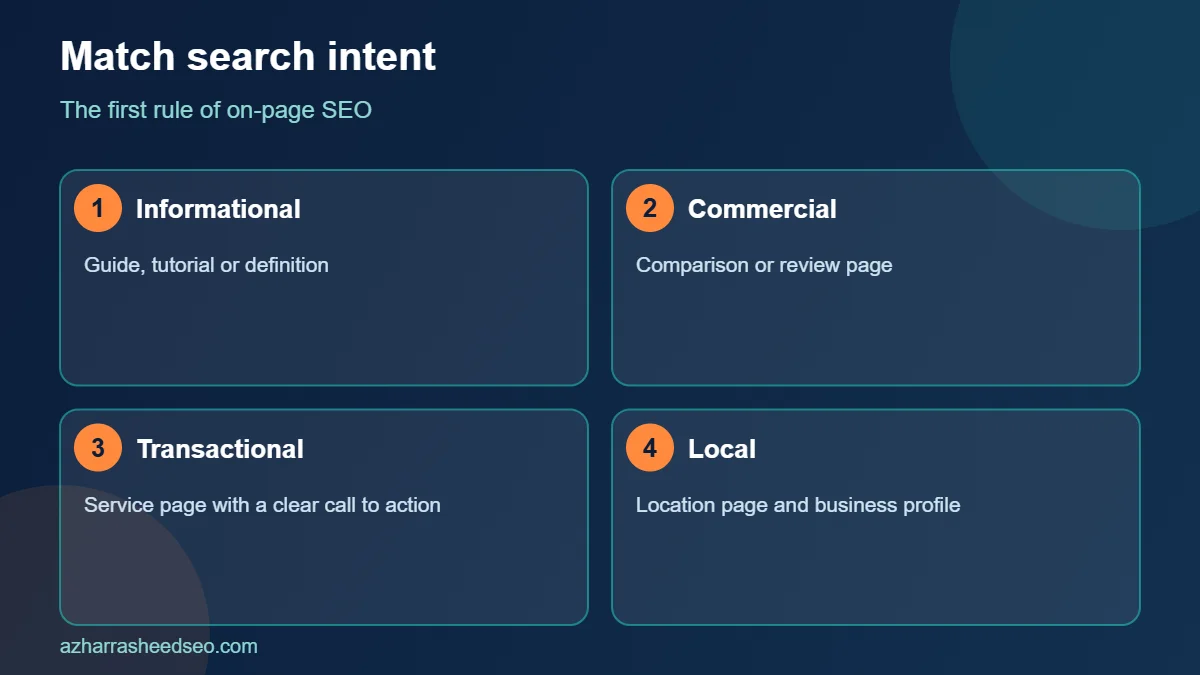
The first rule of these checks is to understand what the searcher wants. Search your target keyword in Google and read the top results. Are they guides, product pages, comparisons or local listings? Your page should match the dominant intent, or it will struggle however well you apply the rest of this page optimisation checklist.
- Informational: the person wants to learn, so publish a guide, tutorial or definition.
- Commercial: the person is comparing options, so publish a comparison or review page.
- Transactional: the person is ready to act, so publish a service or product page with a clear call to action.
- Local: the person wants a nearby provider, so publish a location page backed by a strong Google Business Profile. See our Google Business Profile optimization guide.
The on-page SEO checklist: 25 proven fixes
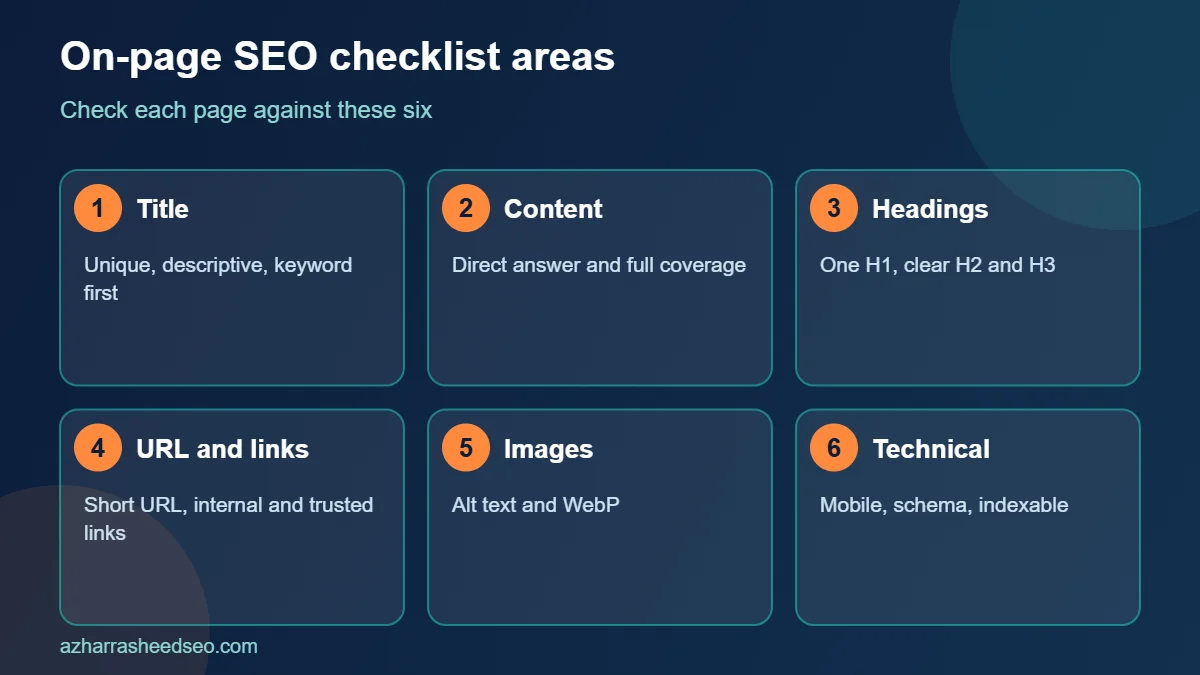
Work through the checks below in order. Each item in this page-level SEO checklist is short on purpose, so you can apply it in a few minutes.
Title and snippet checks
- Write a unique, descriptive title for every page. Google explains in its title link guidance that titles should be descriptive, concise and different on every page. Google may rewrite a title if it does not describe the page well, so clarity matters more than keyword stuffing in your this work.
- Put the main keyword near the start of the title where it reads naturally, and add a benefit or number to earn the click.
- Write a meta description that summarises the page. Google may use it as the snippet when it matches the query, so write one honest sentence or two that tells people what they will get.
- Keep titles and descriptions unique. Duplicate titles are a common these checks problem on WordPress sites with many similar pages.
Content checks
- Lead with a direct answer. Place a clear one- to three-sentence answer near the top, then expand. This helps readers, featured snippets and AI answers.
- Use the main keyword naturally in the first paragraph and a few times across the page. Do not repeat it unnaturally, because this page-level SEO tactic is old and no longer works.
- Cover the topic fully. Answer the follow-up questions a reader is likely to have, and use related terms and entities that belong to the topic.
- Show real experience and expertise. Add examples, screenshots, data and an author bio. Google highlights experience, expertise, authoritativeness and trust in its helpful content guidance.
- Write short paragraphs of two to four sentences and use plain words. Readability is part of good page optimisation.
- Add a visible update date and refresh facts whenever they change.
Heading and structure checks
- Use one clear H1 that matches the page topic. Most WordPress themes make the post title the H1.
- Use H2 and H3 headings to break the page into scannable sections that mirror the questions people ask.
- Include the keyword or a close variation in at least one subheading, but keep headings natural.
- Use lists and tables where they make comparisons or steps easier to follow.
URL and link checks
- Use a short, descriptive URL with words separated by hyphens, such as /on-page-seo-checklist/. Avoid dates, long strings and parameters in your on-page SEO URLs.
- Add internal links to related pages using descriptive anchor text. For example, link from this guide to our local SEO guide when you discuss location pages.
- Link out to trusted sources when a claim needs evidence. External links to official documentation build trust and help readers.
- Fix broken links and redirect chains, which waste crawl time and frustrate users.
Image and media checks
- Use original, relevant images and place them near the text they support.
- Write descriptive alt text for every meaningful image. Google’s image best practices recommend alt text that describes the image in the context of the page.
- Compress images and use modern formats such as WebP so pages load quickly.
- Use descriptive file names instead of strings such as IMG_2034.
Technical on-page checks
- Check mobile usability. Most visitors use phones, so test every page on a small screen as part of your this work review.
- Add structured data that matches the visible content, such as Article, Organization or LocalBusiness. Keep it accurate and avoid markup for content that is not on the page.
- Confirm the page can be indexed. Make sure the page is not blocked by robots.txt or a stray noindex tag, and that the canonical points to the right URL.
On-page SEO checklist table for quick review
| Area | What to check | Time needed |
|---|---|---|
| Title and snippet | Unique title, keyword near the start, honest description | 5 minutes |
| Content | Direct answer, full coverage, experience, short paragraphs | 30 to 60 minutes |
| Headings | One H1, logical H2 and H3 structure | 5 minutes |
| URLs and links | Short URL, internal links, trusted external links | 10 minutes |
| Images | Alt text, compression, descriptive file names | 10 minutes |
| Technical | Mobile view, schema, indexability | 10 minutes |
On-page SEO example: before and after
Seeing page-level SEO applied to a real page makes the checklist easier to follow. Imagine a dental clinic in Lahore with a service page titled “Services” and a URL such as /page-id-482/. The page has a short paragraph, one stock photo without alt text and no internal links. This is a typical starting point for weak page optimisation.
After applying the these checks checklist, the page becomes “Dental Implants in Lahore: Cost, Process and Recovery” at /dental-implants-lahore/. The first paragraph answers what the treatment is and who it suits. Headings cover cost, steps, recovery time and frequently asked questions. The page uses real photos with descriptive alt text, links to related treatments, shows the clinic address and hours, and carries LocalBusiness schema. None of these changes is complicated, yet together they turn a vague page into one that matches what patients search for. That is the real power of consistent this work.
Free tools that make on-page SEO easier
- Google Search Console: shows which queries, pages and positions bring impressions and clicks, which is the best data source for on-page SEO decisions.
- Rank Math or Yoast SEO: WordPress plugins that help you set titles, descriptions, canonicals and schema.
- PageSpeed Insights: checks speed and Core Web Vitals for each page.
- A crawler such as Screaming Frog: lists titles, headings, alt text and status codes across many pages.
- Google’s Rich Results Test: validates the structured data you add during on-page SEO work.
Common on-page SEO mistakes to avoid
- Keyword stuffing. Repeating a phrase until the text sounds robotic hurts readers, and it does not help on-page SEO.
- Targeting the wrong intent. A sales page will not rank for a query where people want a guide.
- Thin or duplicate pages. Several near-identical pages compete with each other and dilute your on-page SEO.
- Ignoring internal links. Orphan pages are hard for search engines and readers to find.
- Forgetting to update. Old facts and broken links make a page look unreliable.
How to run an on-page SEO audit on your whole site
You do not need expensive tools to audit on-page SEO. Export your pages from Google Search Console and sort them by impressions. Pages with many impressions but few clicks usually need a better title and description. Pages with clicks but a low average position usually need deeper content and stronger internal links. For each page, work through this on-page SEO checklist and note what you change.
A crawler such as the free version of Screaming Frog can list titles, descriptions, headings, status codes and missing alt text for up to 500 URLs. That is enough for most small business sites. For larger sites, work in batches, starting with the pages that earn the most traffic or revenue.
After each round of changes, wait a few weeks and compare impressions, clicks and average position in Search Console. This simple loop of audit, fix and measure is the core of professional on-page SEO.
On-page SEO checklist for WordPress sites
WordPress makes on-page SEO easier, but it also creates predictable problems. Check these items on a WordPress site:
- Set a clean permalink structure under Settings, so URLs contain readable words rather than IDs.
- Use an SEO plugin such as Rank Math to edit titles, descriptions, canonical tags and schema, and to see a content score as you write.
- Make sure the site title and tagline do not create duplicate or vague titles.
- Remove or noindex thin archive pages, such as tag pages with a single post.
- Compress images before upload, or use an image optimisation plugin that converts them to WebP.
- Check that your theme outputs one H1 per page and a sensible heading structure.
Treat any plugin score as a guide rather than a goal. A page can score well and still fail on usefulness, and a useful page with a small score gap will often outperform a box-ticking one. The best on-page SEO still starts with helping the reader.
On-page SEO for local businesses in Pakistan
If you serve customers in cities such as Lahore, Karachi or Islamabad, add local signals to your on-page SEO. Create a page for each main service and each city you serve, and write unique content for each, not copied text with the city name swapped. Show your address, phone number, opening hours and a map on your contact and location pages, and keep them identical to your Google Business Profile. Add genuine testimonials and photos of your work, and use LocalBusiness schema that matches the page.
Local pages also benefit from good internal linking. Link your service pages to your location pages and back, and link to your local SEO checklist for supporting guidance. Strong on-page SEO plus a well-optimised profile is the base of local rankings.
On-page SEO and AI search
On-page SEO also supports visibility in AI answers. Google states in its guidance on AI features in Search that no special markup is needed, and that the same fundamentals apply: indexable pages, helpful text content and good page experience. Direct answers, clear headings, cited facts and visible authorship, all part of this on-page SEO checklist, are also what answer engines tend to quote. To go deeper, read our guides to answer engine optimization and ranking in Google AI Overviews.
A simple weekly on-page SEO routine
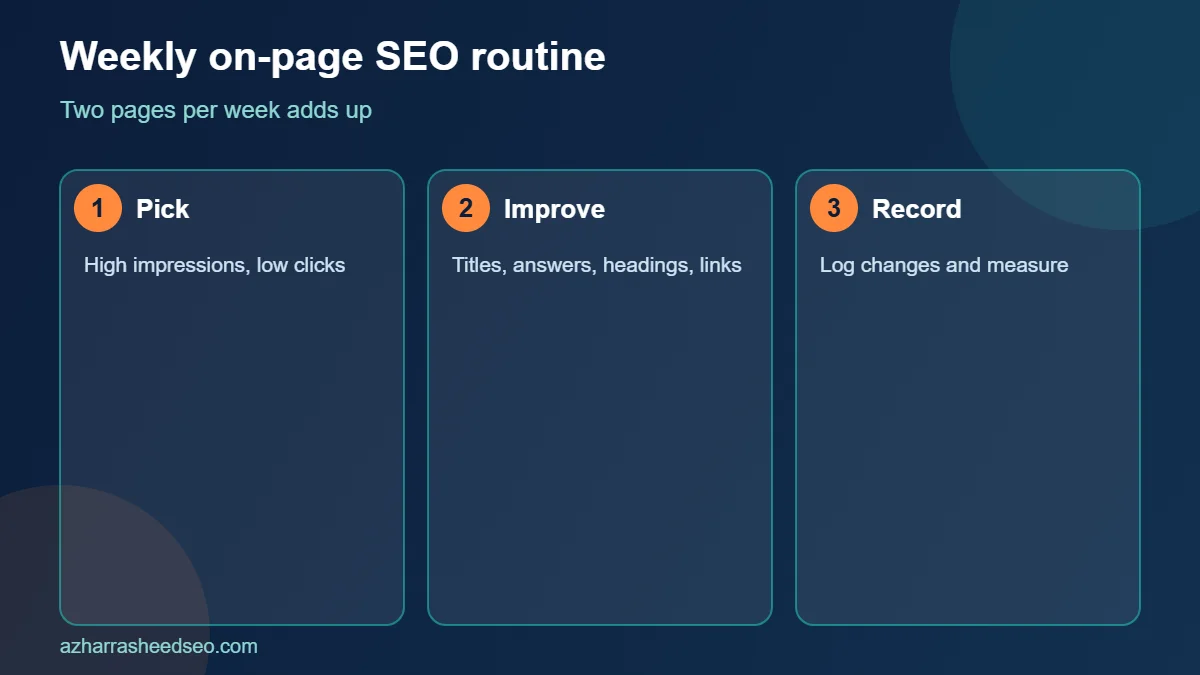
- Monday: pick two pages with high impressions and low clicks in Search Console.
- Tuesday: rewrite their titles and descriptions, then add a direct answer at the top.
- Wednesday: improve headings, add missing sections and update facts.
- Thursday: add internal links from related pages and compress or replace weak images.
- Friday: record what you changed and the date, so you can measure results later.
Repeating this on-page SEO routine every week means that in a quarter you will have reviewed around two dozen pages, which is enough to lift the performance of most small websites.
Frequently asked questions
What is on-page SEO?
On-page SEO is the process of optimising the content, HTML and internal links of individual pages so that search engines and readers understand what each page is about and find it useful.
What are the most important on-page SEO factors?
The most important on-page SEO factors are content that matches search intent, a descriptive title, clear headings, a short readable URL, helpful internal links, optimised images and a fast, mobile-friendly page.
How long should an on-page SEO checklist take per page?
A basic on-page SEO review of a single page takes around 30 to 60 minutes. A full rewrite with new research, images and links can take several hours.
How often should I update on-page SEO?
Review important pages at least every six months, and sooner when facts change, rankings drop or a competitor publishes a stronger page.
Does keyword density still matter for on-page SEO?
There is no ideal density. Use the main keyword naturally where it fits, and focus on covering the topic well. Over-repetition can make the page worse.
Is on-page SEO enough to rank on its own?
Not always. On-page SEO makes a page eligible and competitive, but rankings also depend on technical health, links, brand strength and competition. It is still the best place to start.
Next steps
Pick your most important page, run it through this on-page SEO checklist and fix the first five items today. If you would like an expert review of your website, request a free SEO audit or read how to choose the best SEO expert in Pakistan.
Sources: Google Search Central, SEO starter guide; Google Search Central, title links; Google Search Central, image best practices; Google Search Central, creating helpful content. Last updated 28 October 2026.
About the author: Azhar Rasheed Qureshi is an SEO specialist based in Pakistan who works on SEO, AEO, GEO, local SEO and WordPress development for local and international businesses. Connect on LinkedIn.